W3BS OS · SPECIFICATION
An OS people
and agents can run.
A Debian 13 based operating system (systemd, no snap) with zsh, sudo, the w3bs CLI, mise, pnpm and bun, and every Profullstack app a command away, plus a desktop agents can operate under your control. Docker images are the first release; the hardware installer and phone builds follow.
SCREENSHOTS
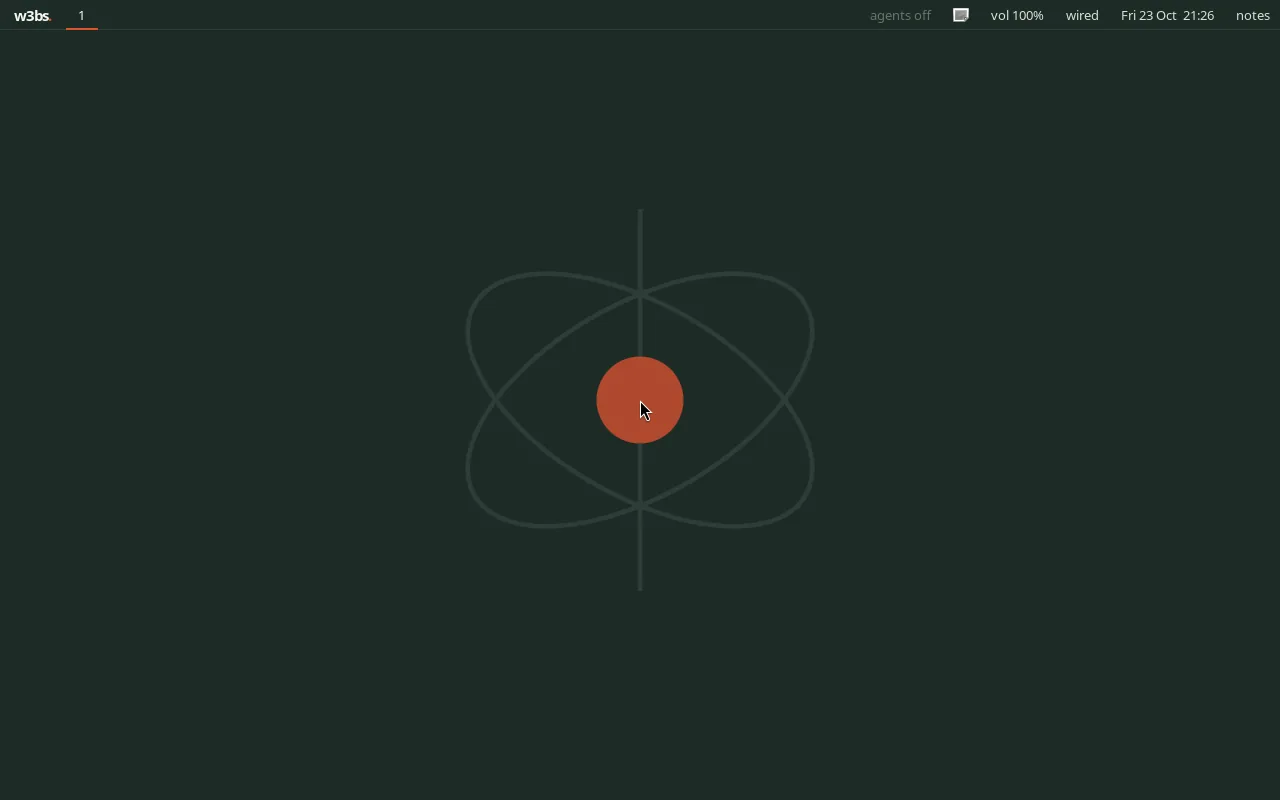
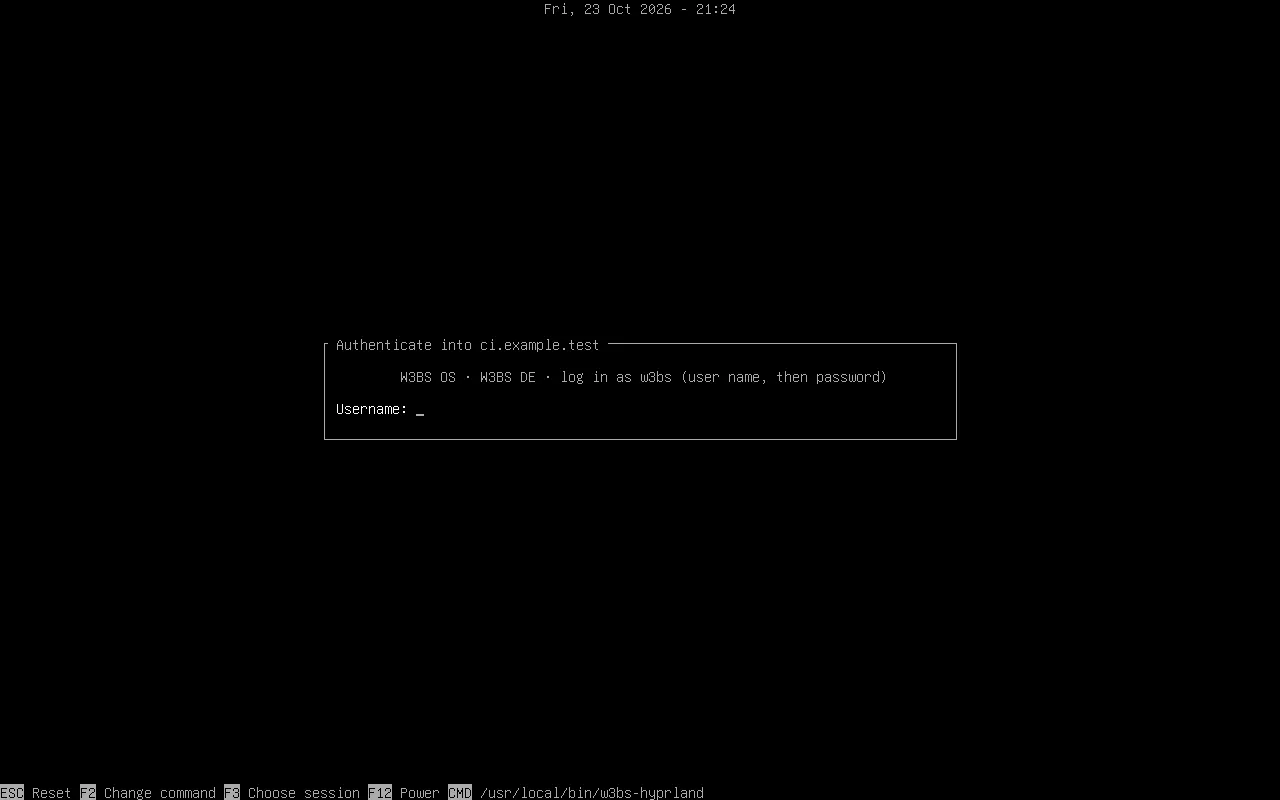
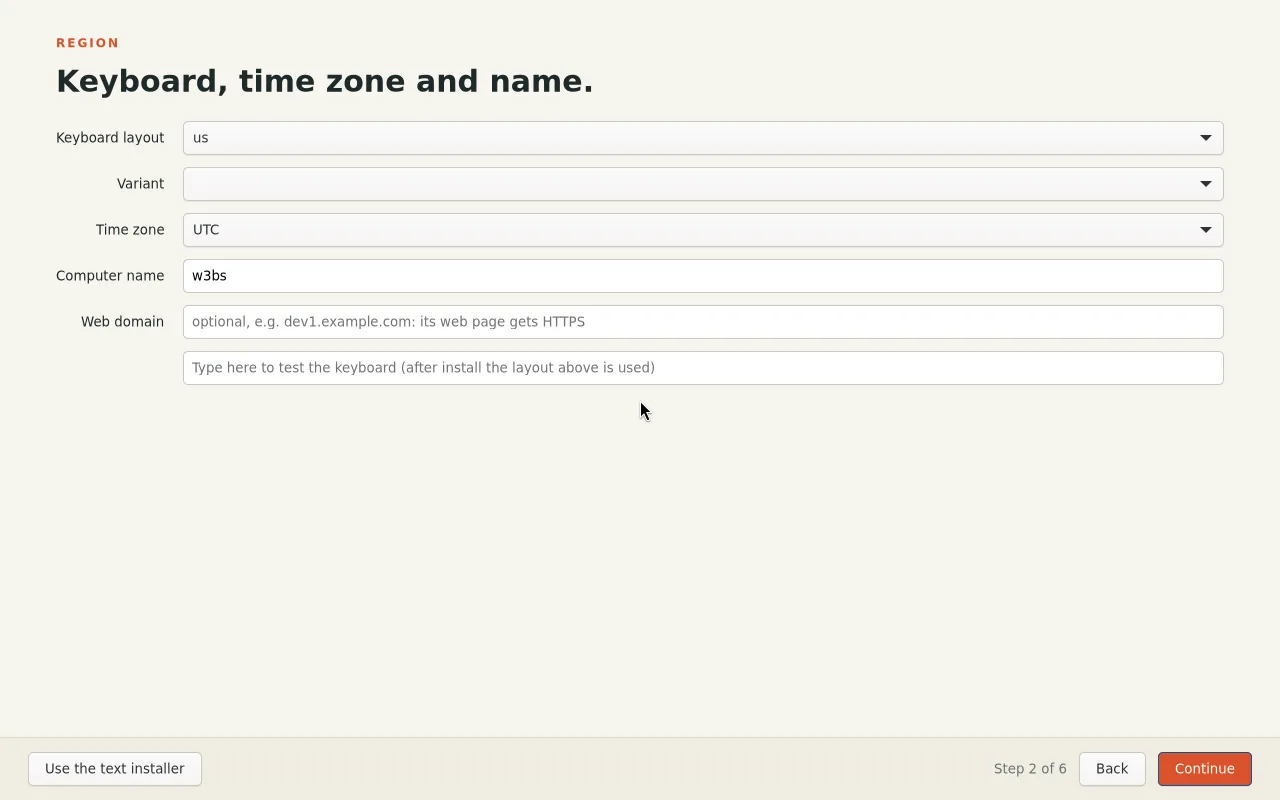
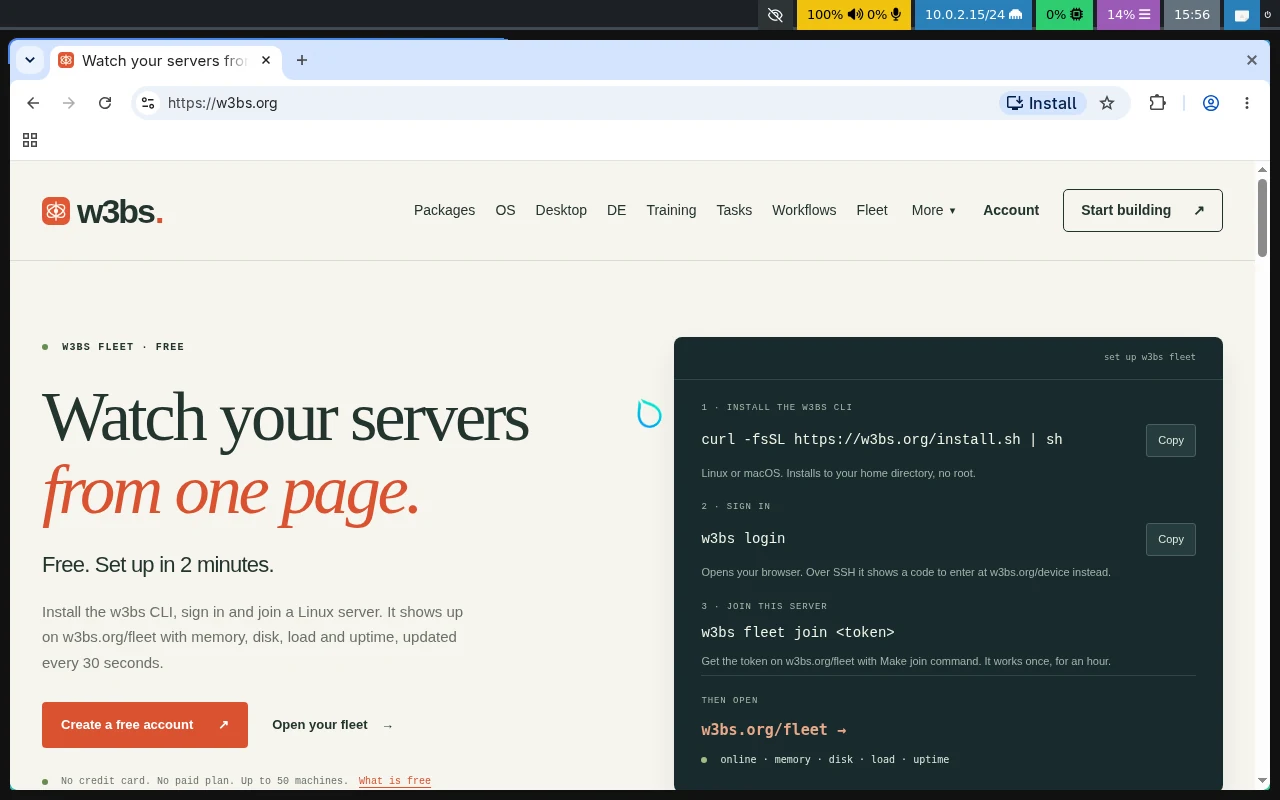
The desktop it installs.
INSTALL
Where it runs today.
DOCKER · AVAILABLERun it in a container.
The server image is Alpine with zsh and the w3bs CLI. The desktop image adds KDE Plasma and the Agentic Desktop Layer, with agent access off until you turn it on.
docker run -it --rm w3bs.org/os:server
sudo modprobe vkms   # a virtual display, no GPU needed
docker run -d --name w3bs-desktop --restart unless-stopped \
  -v /dev/dri:/dev/dri --device-cgroup-rule 'c 226:* rwm' --group-add video \
  --shm-size 512m -e W3BS_VNC_PASSWORD=change-me -p 5900:5900 w3bs.org/os:desktop
Then connect a VNC viewer to port 5900. The container finds the vkms card itself, and binding /dev/dri (not one cardN) keeps it starting after a reboot renumbers the cards. All options.
PCS, INTEL MACS AND VPS SERVERS · ISO 1.2.8One installer ISO for x86-64.
W3BS OS 1.2 is Debian 13 "trixie" with systemd (no snap, no cloud-init). The same ISO installs on Intel and AMD PCs and VPS servers, BIOS or UEFI, with Secure Boot off. The live system brings up the network by itself (DHCP and IPv6 on every card) and shows ssh root@<address> with a one-time password, so you can install from your own terminal. On a screen it starts the graphical installer (mouse and windows; the text installer, w3bs-os-install, is one click or one key away and does the same install). Both ask for a root password, your user (sudo), the keyboard, the domain (its web page gets HTTPS), automatic or static networking (IPv4 and IPv6), and encrypt the disk unless you say no, with one review screen before anything is written. It installs a desktop, W3BS DE on Hyprland 0.55 from Debian backports (greetd login, the Agentic Desktop Layer with agent access off until you turn it on, Firefox, TronBrowser; the default when the machine has a display adapter), or a server (--server). Packages download during the install.
Download the ISO (490 MB)
SHA-256 ec147c40da4c268931e15770ee04a573c8f38e1cdec5ac8da848c0690311d2a8
curl -fLO https://github.com/profullstack/w3bs.org/releases/download/os-v1.2.8/w3bs-os-1.2.8-amd64.iso
curl -fLO https://github.com/profullstack/w3bs.org/releases/download/os-v1.2.8/SHA256SUMS && sha256sum -c SHA256SUMS
PC or Intel Mac: write it to a USB stick and boot from it.
sudo dd if=w3bs-os-1.2.8-amd64.iso of=/dev/sdX bs=4M status=progress oflag=sync
VPS: Upload the ISO in your provider’s panel (on netcup: Media › DVD drive, upload by FTP, pick it under Own DVDs and turn on DVD boot), boot the server from it, open the provider’s web console and run w3bs-os-install. KVM servers with virtio disks, BIOS or UEFI, are what we test on.
APPLE SILICON MACS (M1, M2) · COMINGNot from the ISO.
Apple Silicon Macs are ARM and never boot an ISO: Linux goes on them through the Asahi Linux installer, run from macOS, which sets up dual boot. W3BS OS for M1 and M2 will install that way, on the Asahi kernel; M3 follows Asahi's support.
ANDROID PHONES AND TABLETS · AVAILABLEInstall on a phone.
Install Nura (postmarketOS) with Plasma Mobile on a supported, unlockable device, then add W3BS. Unlocking the bootloader erases the phone. A W3BS-branded phone image follows.
curl -fsSL https://w3bs.org/install.sh | sh
w3bs install agentic-desktop-layer
The same two commands work on any Alpine Linux machine. Tested on Alpine 3.24 (x86_64 and ARM64); not yet on a phone. The desktop layer prints the apk add line for anything Plasma Mobile is missing.
IPHONE AND IPADNot as an operating system.
Stock iPhones and iPads only boot software Apple signs, so nothing can replace iOS. They will get the W3BS companion app and remote access to your other devices.
W3BS STUDIO · COMING
Debug desktop and phone apps in one place.
An open-source Xcode for every platform: build, run and debug your app on Android emulators and devices, iOS simulators and iPhones (through your own Mac), Windows, KDE and GNOME, from one target picker, with agents able to run the same builds and tests over MCP. Read §19 of the spec.
INCLUDED SOFTWARE
The whole suite, offline.
The draft suite manifest resolves 65 Profullstack packages from the catalog, including all 12 named inclusions (MoshCode, PairUX, DiskPush, the Agentic Desktop Layer, Training and more). 206 packaging tasks block M0: 65 packages install only through publisher scripts and need signed artifacts, 0 has no pinned release, and 2 command names have two claimants.
APPS FROM OTHER PLATFORMS
One launcher, honest labels.
w3bs run picks the best route for each app and labels its window, so a remote or guest app is never passed off as local.
HARDWARE
Certified, preview, research, unsupported.
Only certified devices get an install button. A device with no supported image is offered the companion app instead.
ALSO IN THE SPEC
For publishers and developers.
W3BS Publish: ship one signed release and reach users on every OS, with deb, Flatpak, Homebrew, winget, MSIX, dmg and APK built from it. Providers: w3bs install drives apt, dnf, pacman, Homebrew, winget, Flatpak, Nix and the app stores, and records what it installed. W3BS Fleet: one desktop app and cloud app for every server, desktop, laptop and phone you own (spec).
Status: specification. Docker editions are out; the installer ISO and phone builds are in testing. Links and supported-hardware results appear here only once those artifacts and checks exist.
 w3bs